Download Microsoft Office Home & Business 2011 Below
Click the 1st download link. The 2nd link is back up if there is any issues with #1.
Wait for the download to complete now.
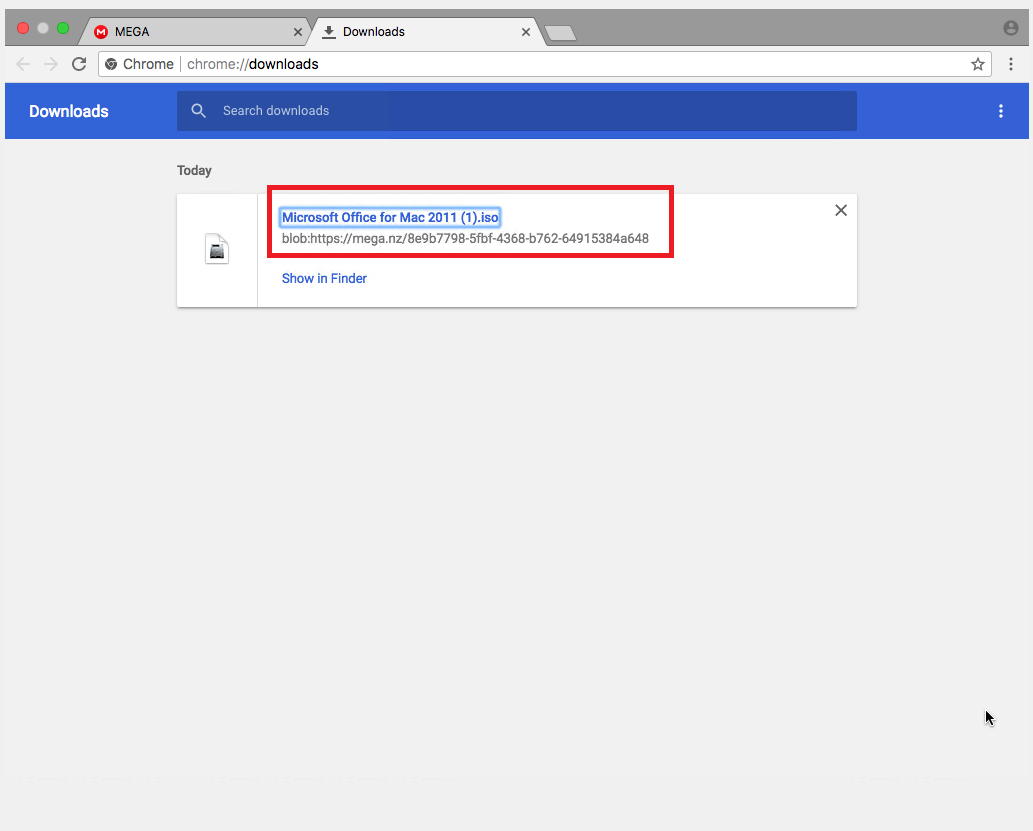
For next step, please scroll to top and select next step form left menu.
Install Office 2011
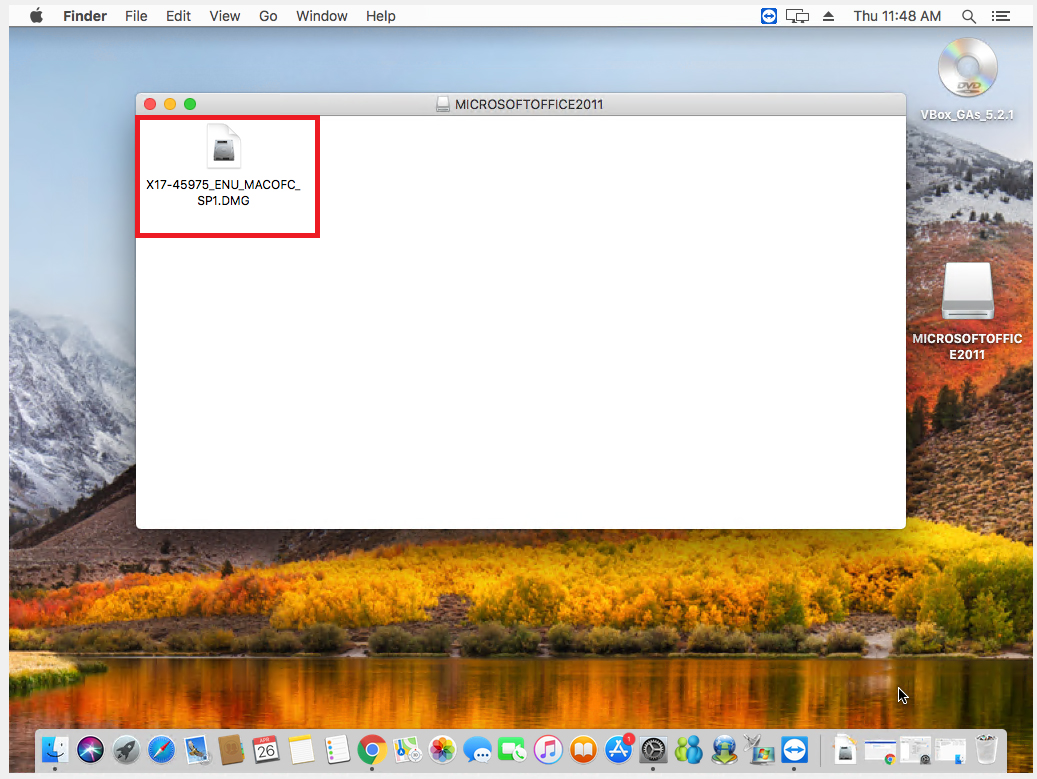
1. Now open the downloaded DMG file.
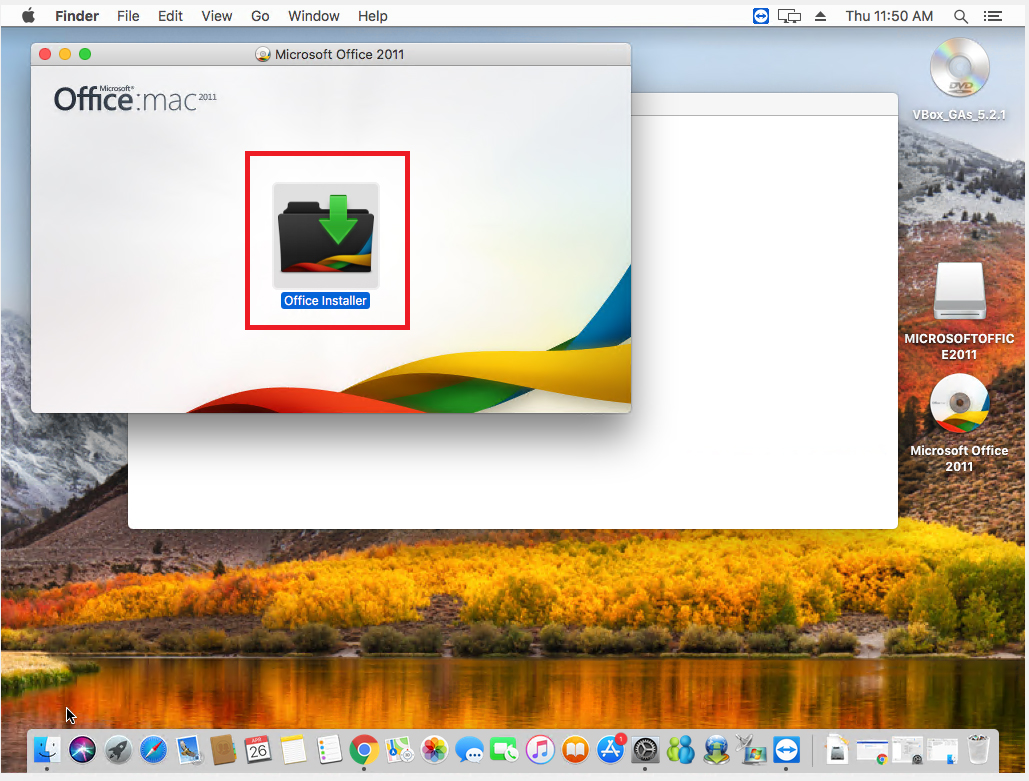
2. Click Office Installer.
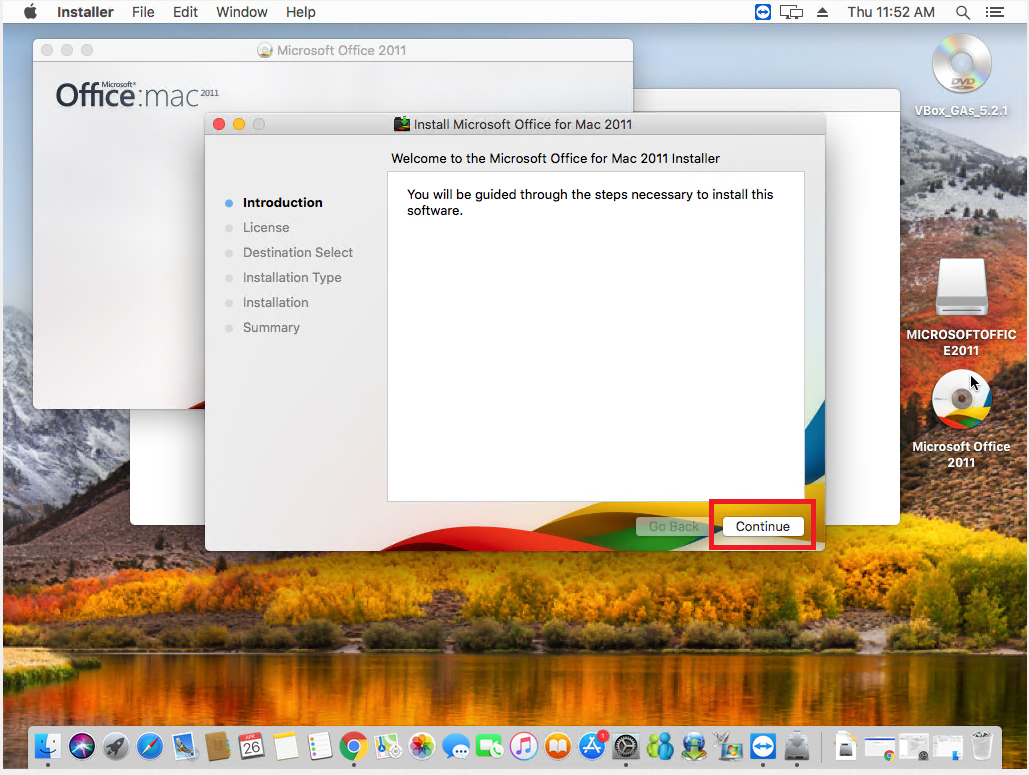
3. Click continue at the introduction and liense agreement.
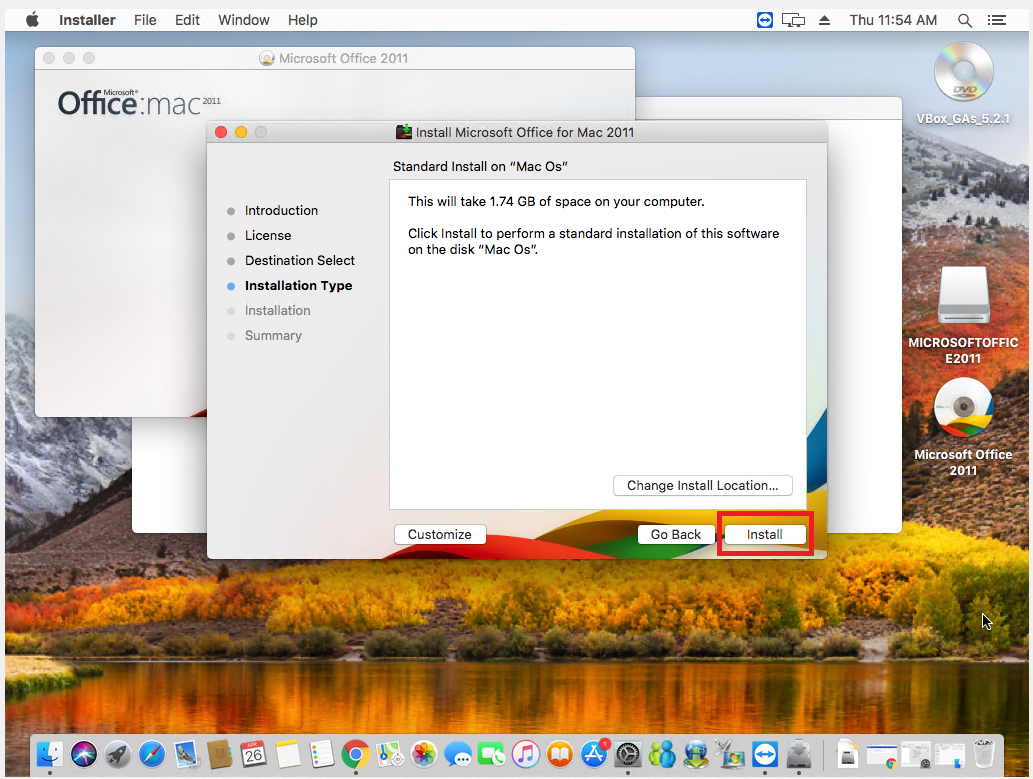
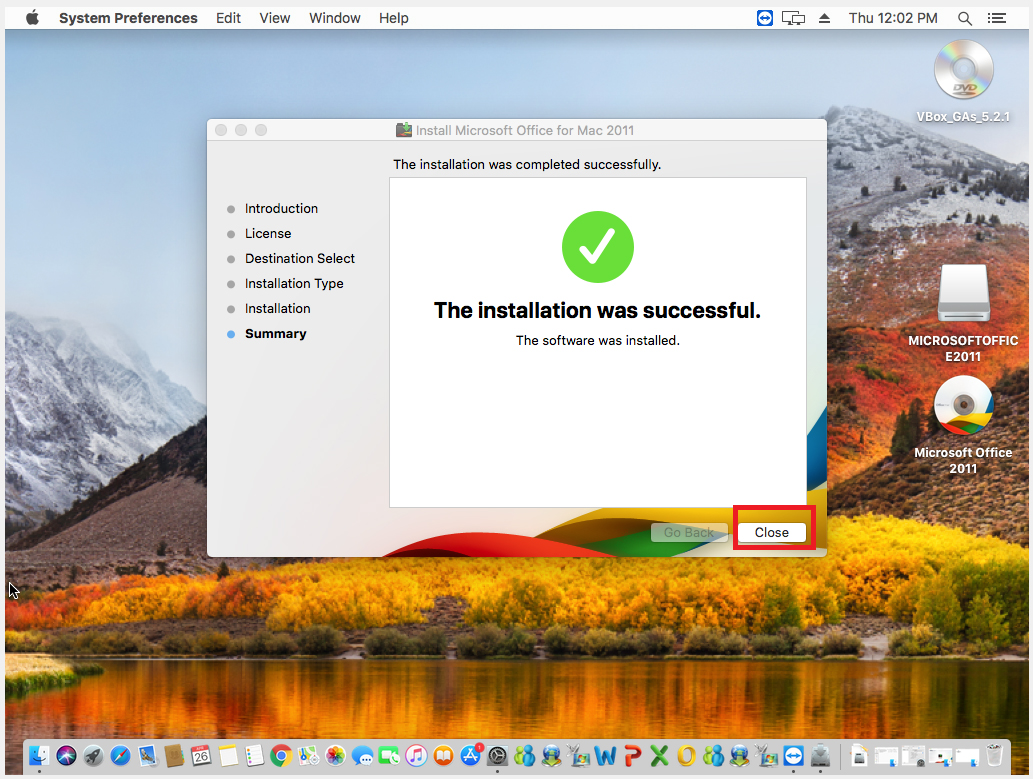
4. Click close once the install is complete.
For next step, please scroll to top and select next step form left menu.
Activate Office
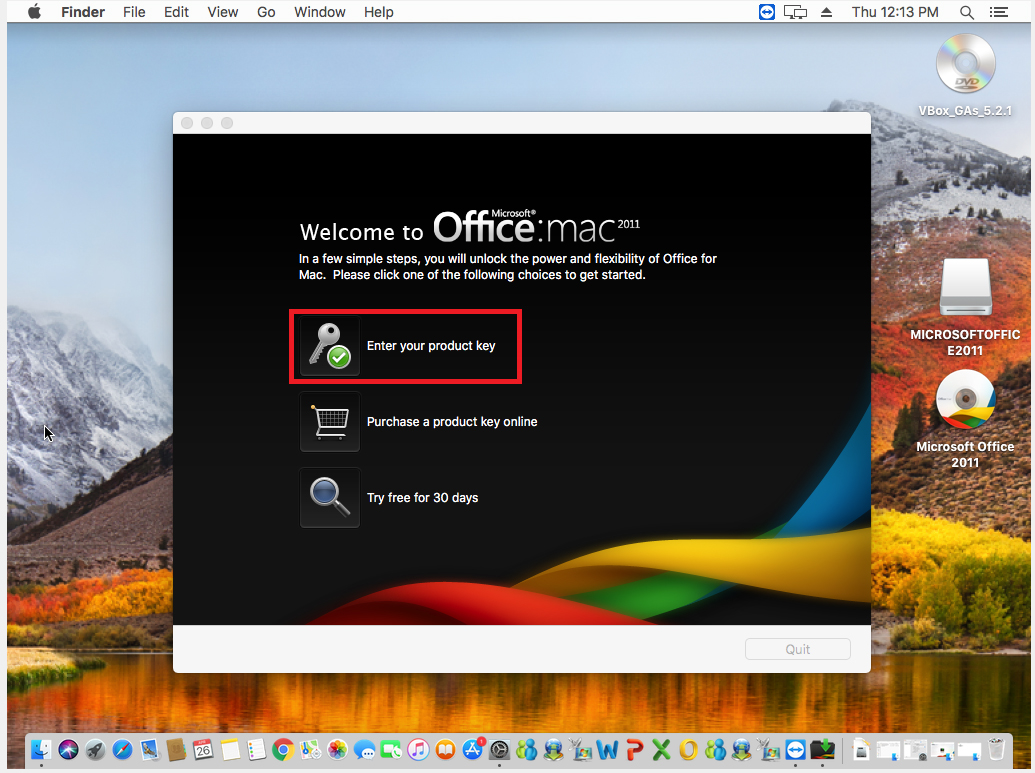
Open any Office program like Word. Click Enter your product key option.
Now enter your license key and click activate.
To receive your product key click the DASHBOARD button below and you will see it listed on the next page.

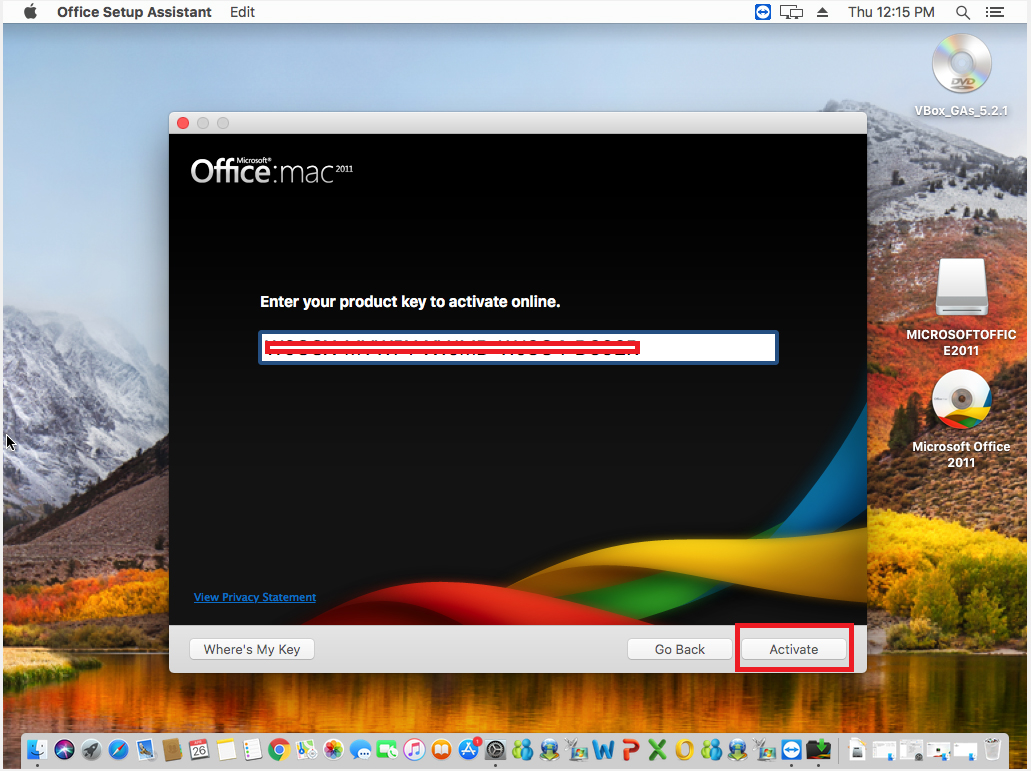
Click contuine once activated.
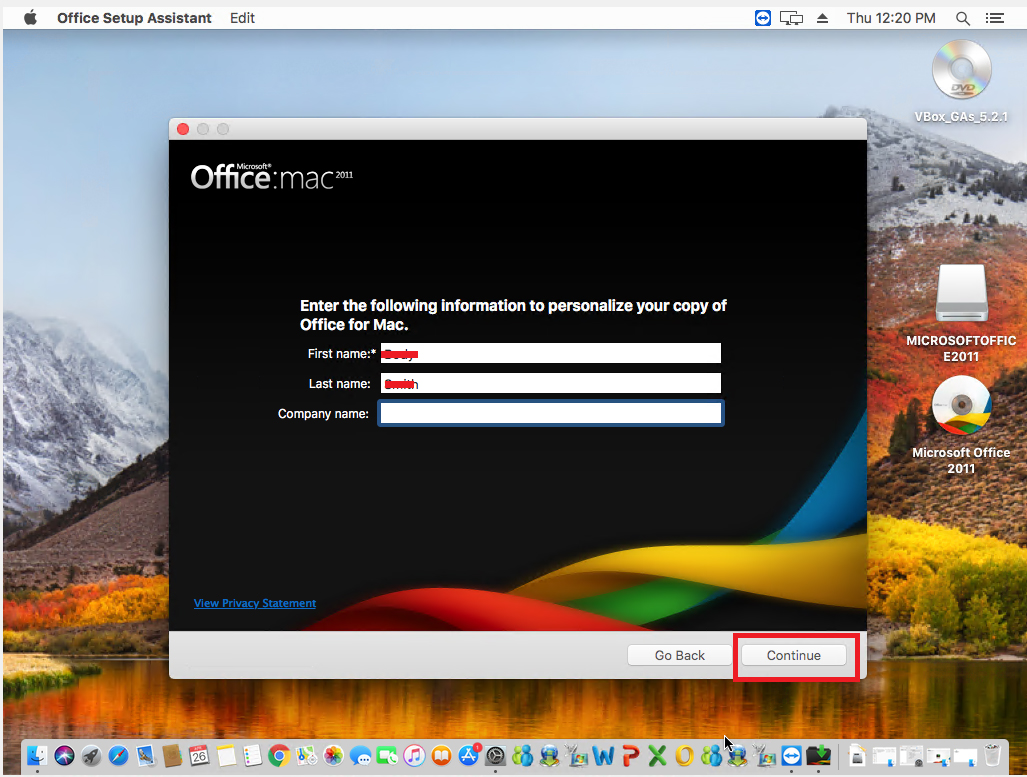
You can now personalize, once done click conutine.
You can now choose to download updates and join the Customer Expericence improvements. Click conutine once done.
Then click done and you are all set. You can now use your Office Programs
Need Technical Support